
IAM policy
For access narrower than the S3AdministratorPolicy, attach a policy that grants or denies specific actions on specific buckets and objects. A policy can, for example, let one user read a single bucket and nothing else.
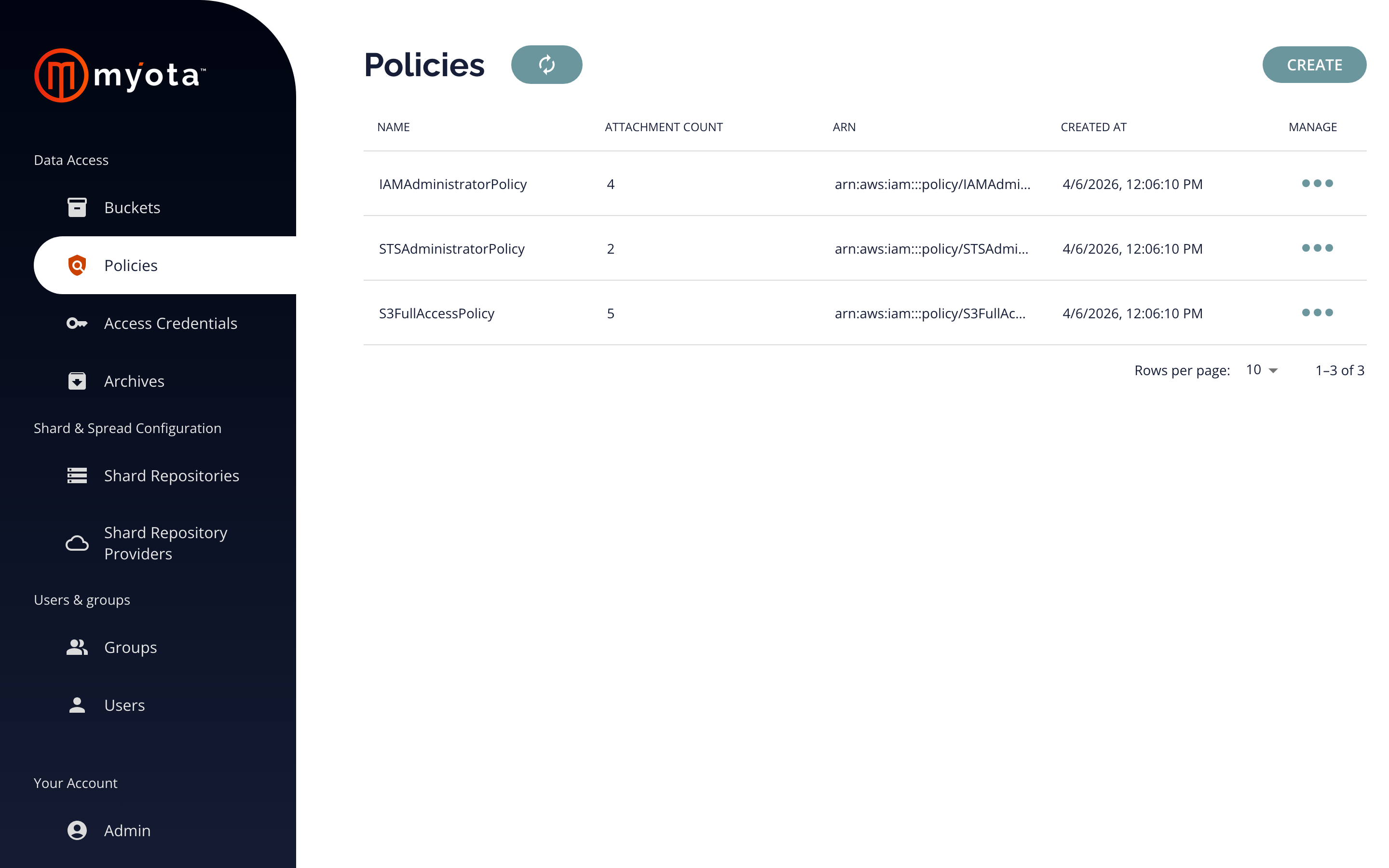
Policy syntax
Policies use the same syntax as AWS IAM and S3 bucket policies. Myota follows the AWS policy specification, so a policy is a JSON document whose statements allow or deny actions on resources, and policies you already use with S3 work here without changes.
{
  "Version": "2012-10-17",
  "Statement": [
    {
      "Effect": "Allow",
      "Action": ["s3:GetObject", "s3:ListBucket"],
      "Resource": [
        "arn:aws:s3:::analytics-data",
        "arn:aws:s3:::analytics-data/*"
      ]
    }
  ]
}
This example grants read-only access to the analytics-data bucket and its
objects. Because the specification matches AWS, you can use the
AWS IAM
policy reference for the full set of actions, conditions, and elements.
Separate from corporate identity
Myota Cyberstorage for Objects runs its own identity and access management. A user here is independent of your corporate directory, so access to your object storage does not depend on, and is not exposed by, your corporate identity system. That separation is useful for isolating recovery environments and sensitive datasets.