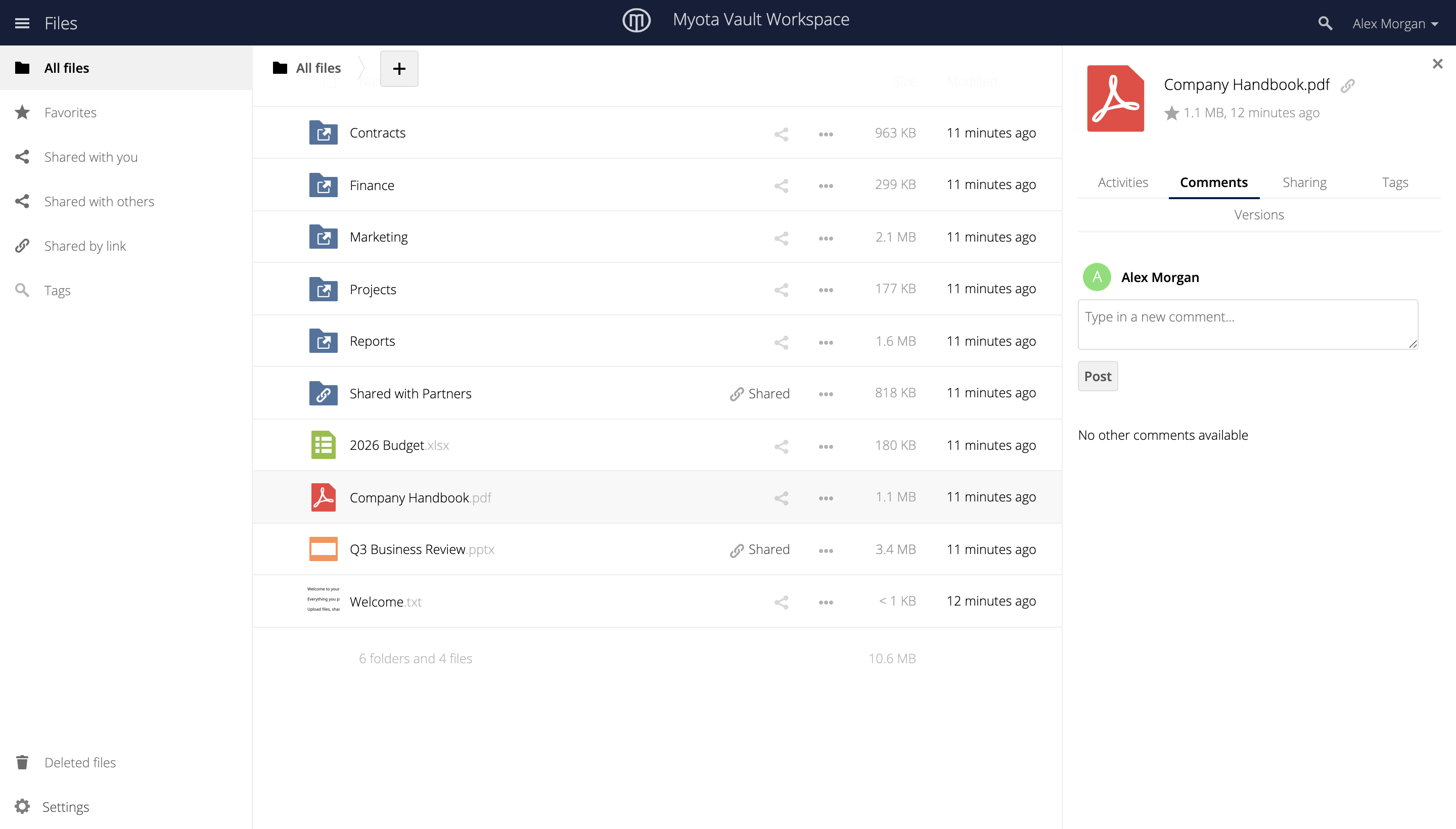
Sharing
Vault lets you share a file or folder with people inside and outside your organization, and keep track of everything you have shared.
Share with people
Open a file’s Sharing panel and invite people by name. You choose what each person can do, from viewing to editing.
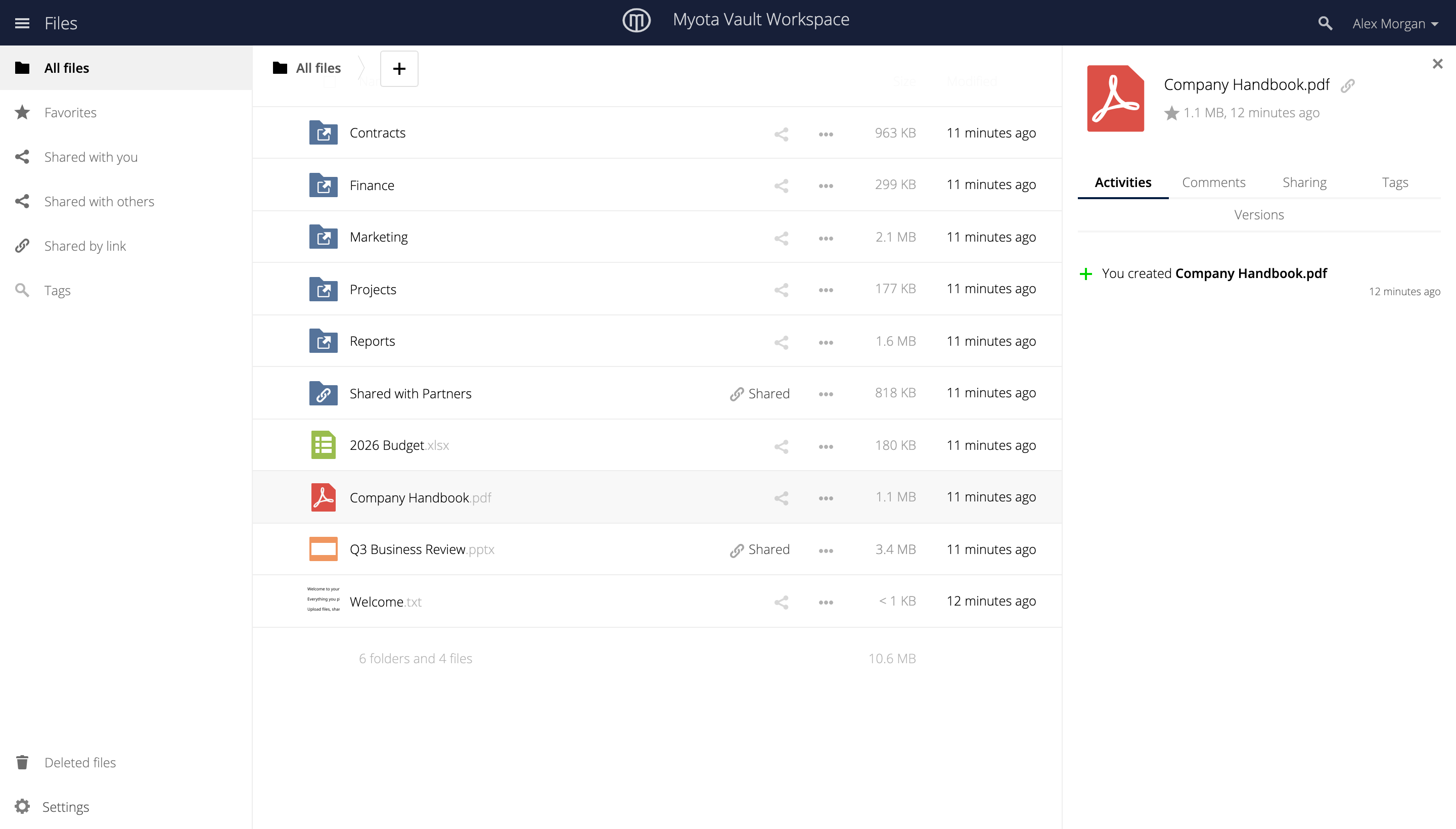
Recipients open a share through an authenticated, named identity rather than an anonymous link, so you can confirm who you are sharing with, and when you receive a file you can confirm who sent it.
Share a link
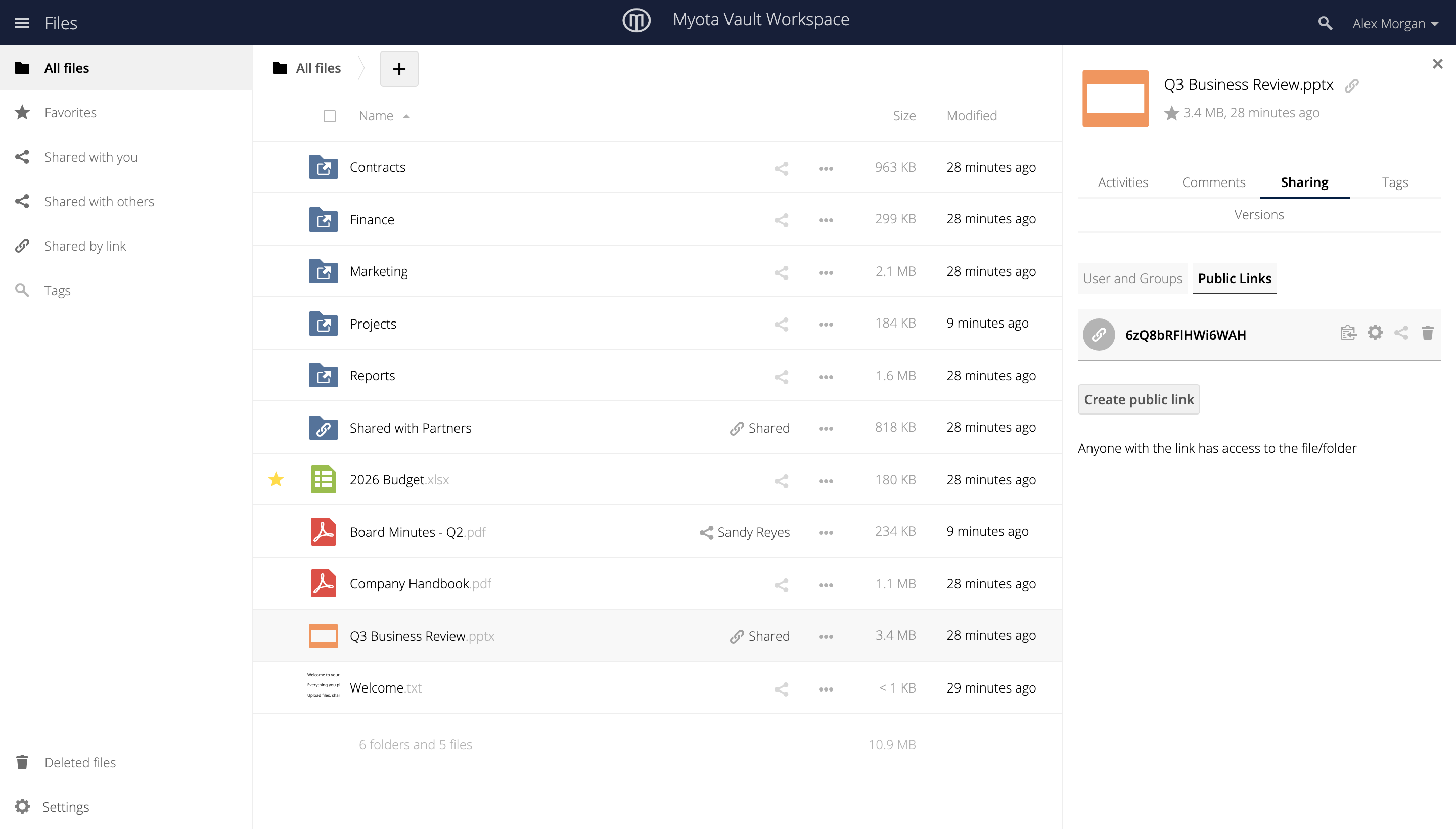
To share with someone who does not have an account, create a public link. Anyone with the link can open what you shared. You can protect a link with a password.
|
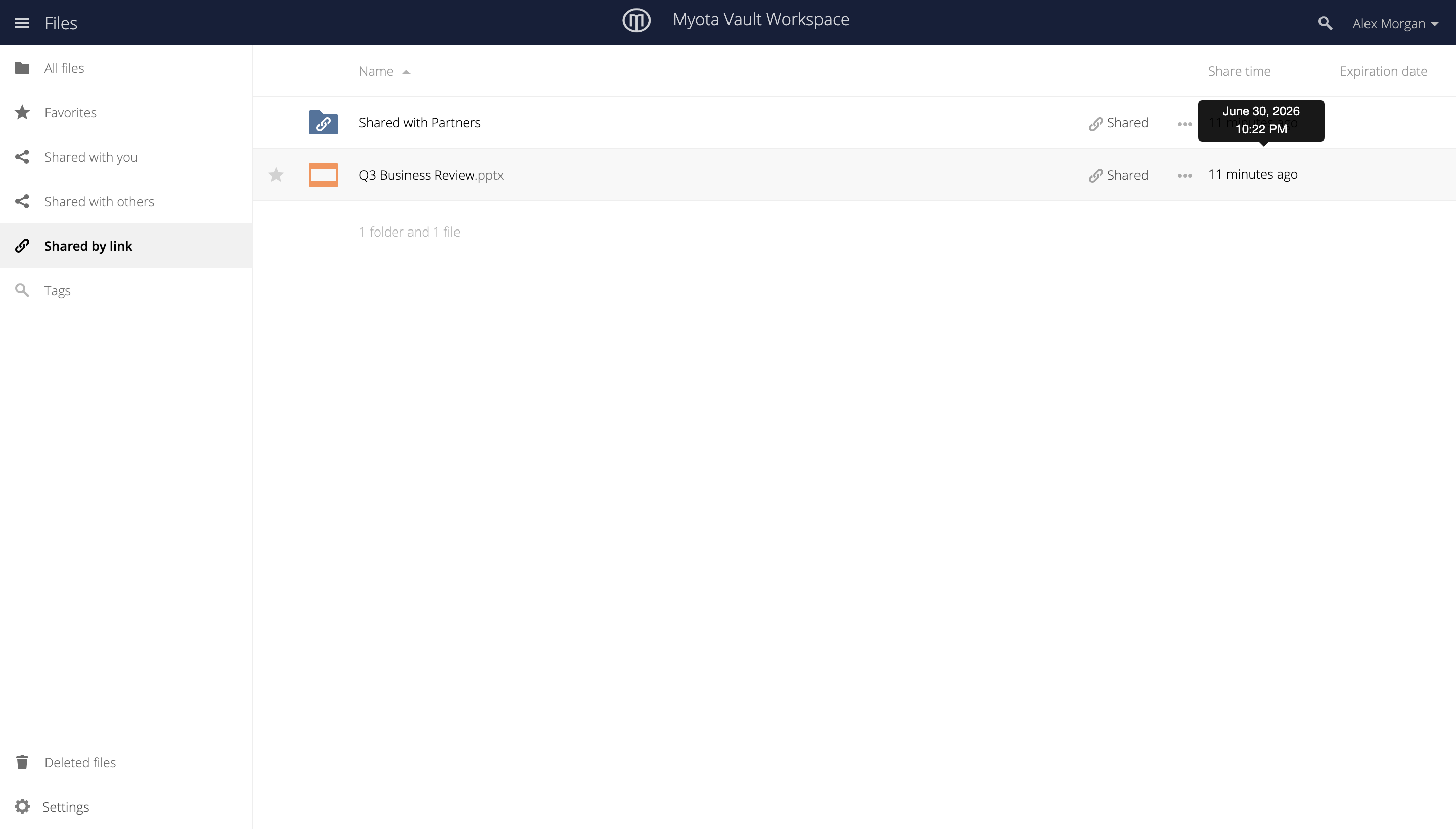
An administrator can set a policy that expires shared links a set number of days after they are created, so links do not stay open indefinitely. |
Track what has been shared
The Shared views keep a record of sharing. Shared with you lists files other people have shared with you.
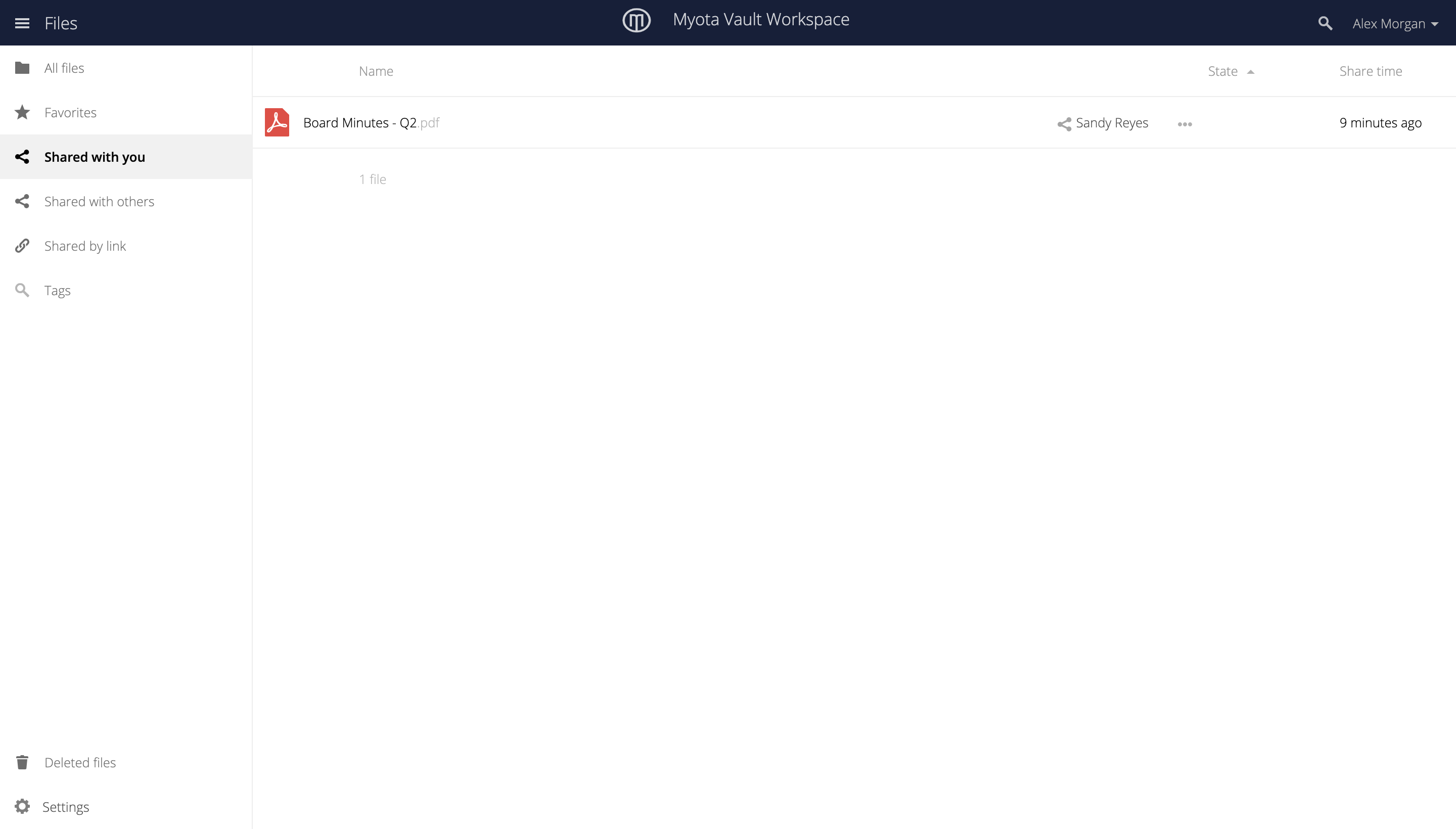
Shared by link lists everything you have shared with a public link.
Administrators can view and export a record of what was shared, with whom, and when, with each action tied to the identity that performed it.